
5 best ways to write a powerful promt for video generation

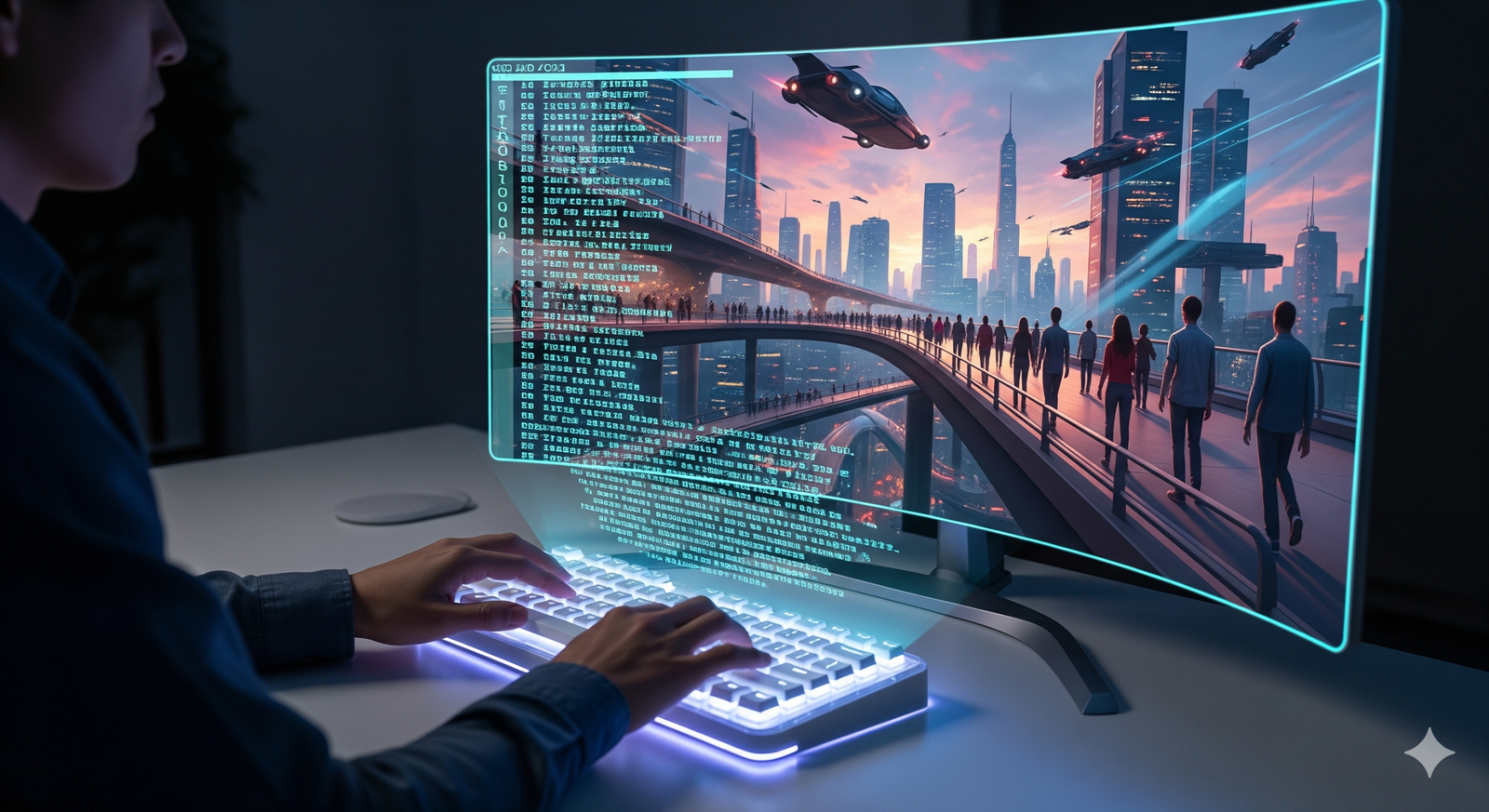
Great video starts with a great prompt. Whether you’re using an AI text-to-video model or a multimodal creative suite, clear instructions are the bridge between your idea and a compelling result. In this guide, you’ll learn five practical, SEO-friendly ways to write a powerful prompt for video generation—so your outputs look polished, on-brand, and ready to share. Keep this page handy and, when you’re ready to go deeper, explore tools and inspiration at PixelPlot.ai.
1) Lead with the core: subject, action, setting, outcome
Open your prompt with the essentials in one sentence: who or what is on screen (subject), what they’re doing (action), where it happens (setting), and the desired outcome or vibe. This sets a strong foundation that AI can expand into coherent visuals. For example: “An adventurous teen (subject) skateboarding down a neon-lit city street at night (action + setting), exhilarating and cinematic (outcome).” Don’t bury the lead. The first line should read like a concise logline for your video generation prompt.
2) Add cinematic detail: camera, composition, motion, and duration
Small production cues make big differences. Specify the camera angle (wide, close-up, low-angle), lens feel (macro, telephoto), movement (dolly-in, drone shot, handheld), and composition (rule of thirds, centered, symmetrical). If your tool supports it, include duration or shot length. Example: “Low-angle wide shot, slow dolly forward, 5-second clip, subject framed center with city lights bokeh.” These details help AI shape consistent, professional-looking text-to-video results.
3) Define structure and pacing: beats, transitions, and rhythm
Even short clips benefit from a simple narrative arc. Outline a few beats to guide pacing: setup, build, payoff. If your platform supports multi-shot sequences, note transitions (cut, crossfade, match cut) and tempo (fast, steady, slow). Example: “Beat 1: establish city skyline at dusk. Beat 2: skater enters frame left, accelerates. Beat 3: close-up on wheels. Beat 4: hero moment under glowing sign—freeze-frame end.” Clear structure makes outputs feel intentional rather than random.
4) Anchor style and tone with references
Style references translate abstract taste into visible results. Mention genres (cyberpunk, documentary, fantasy), color palettes (teal and orange, pastel, monochrome), lighting (golden hour, neon, chiaroscuro), and production aesthetics (film grain, glossy commercial look, anime). If allowed, add artist, director, or brand-safe references as inspiration. Example: “Cyberpunk palette with magenta and cyan highlights, subtle film grain, moody backlight, energetic commercial tone.” The more consistent your style cues, the more on-brand your video generation will be.
5) Iterate and refine: feedback loops and negative prompts
The best AI video prompts evolve. After a first render, adjust what worked and remove what didn’t. Use negative prompts to exclude unwanted traits like “no blur,” “no text artifacts,” or “avoid oversaturated reds.” Tighten the language, prioritize the most important visual cues, and keep testing variations. Iteration is how you move from “interesting” to “incredible” with your text-to-video prompts, and it’s a core habit of effective prompt engineering.
Sample high-performing prompt (copy, tweak, and test)
Subject and action: A teen skater speeds through a neon-lit city at night, confident and joyful. Setting and style: Cyberpunk palette (magenta/cyan), light rain adds reflections, subtle film grain. Camera and motion: Low-angle wide, slow dolly forward, occasional close-up on wheels; 8–10 seconds. Composition: Center frame, rule of thirds on city signage; shallow depth of field, bokeh highlights. Pacing and beats:

Establish street with glowing signs
Skater enters and accelerates
Close-up wheel spray
Hero shot under neon arch; quick freeze-frame ending. Tone and mood: Energetic, cinematic, inspiring; commercial feel. Negative prompts: No motion blur, no text artifacts, avoid oversaturation.
Quick checklist for powerful prompts
- Start with subject, action, setting, and outcome.
- Add camera, composition, motion, and duration details.
- Outline beats and transitions for clear pacing.
- Lock in style with genre, palette, and lighting cues.
- Iterate, refine, and use negative prompts.
Final thoughts
Writing a powerful prompt for video generation is a creative skill you can practice and perfect. Lead with clarity, layer in cinematic detail, and keep iterating. If you’re looking for inspiration, workflow tips, and tools to level up your AI video projects, bookmark PixelPlot.ai and visit often—we’re building resources you’ll want to use again and again.