
How to Use AI to Generate Multiple Hooks for TikTok Ads (And Scale Your Testing Velocity)

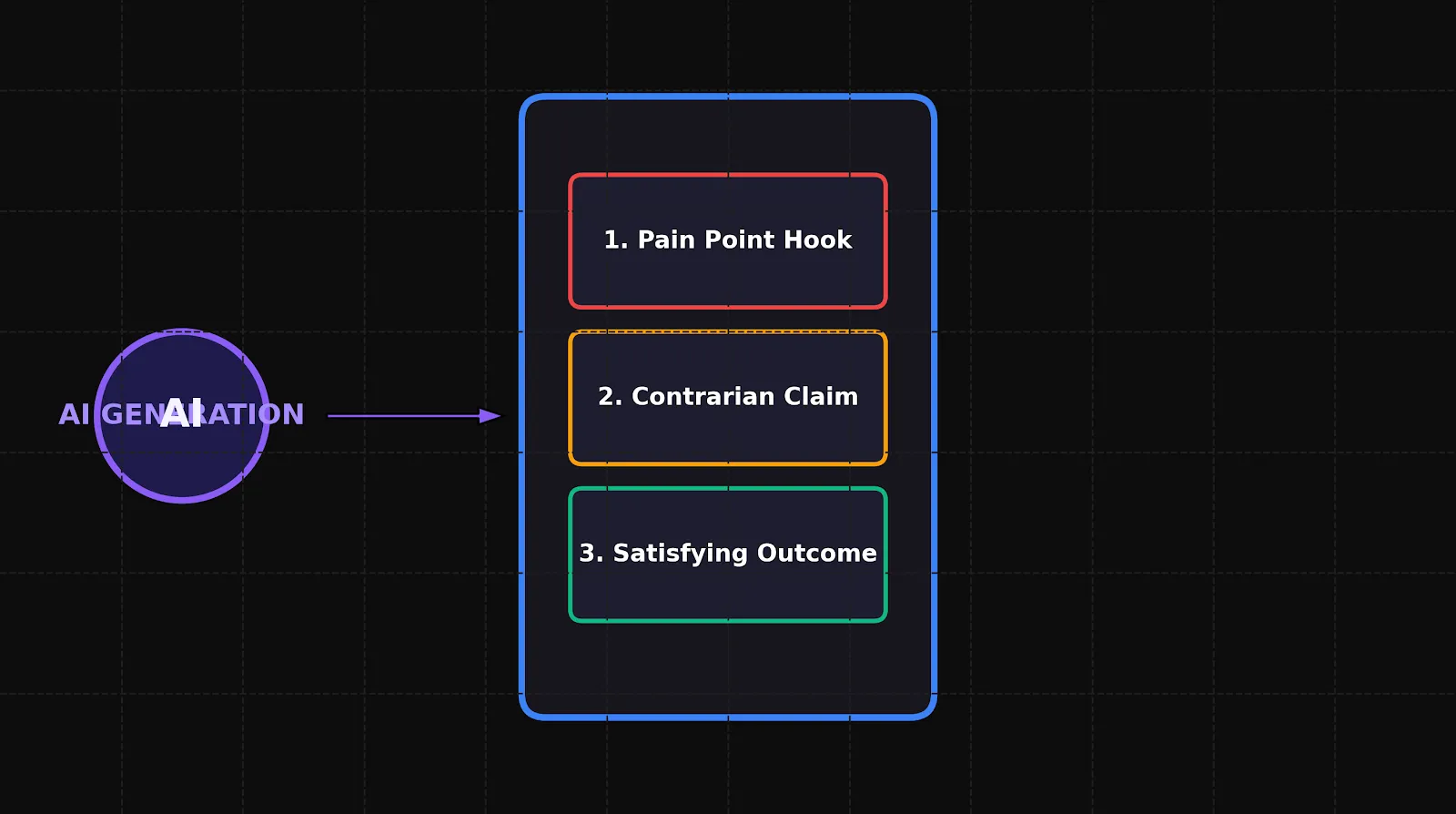
If you are running paid acquisition on TikTok, you have likely run into the “creative exhaustion wall.”
You spend days writing a script, finding a creator, filming the footage, and editing a polished video ad. You launch it. For the first 48 hours, the metrics look promising. Then, the performance falls off a cliff. Your Cost Per Acquisition (CPA) doubles, your Click-Through Rate (CTR) plummets, and your thumb-stop rate drops below 15%.
In the performance marketing space, this isn’t a media buying issue—it is a creative fatigue issue. Because the TikTok algorithm serves content to highly dynamic, fast-scrolling audiences, creatives fatigue up to ten times faster than they do on legacy search platforms.
But here is the secret that top-performing growth agencies use: You don’t need to shoot an entirely new video every time your ad fatigues. You just need to change the first three seconds.
By swapping out the opening hook, you completely change the digital footprint of the ad, allowing the algorithm to find entirely new pockets of active buyers within your target audience.
Using manual workflows to draft, test, and render five different hook variations for every single ad body is an operational nightmare. This comprehensive guide details exactly how to build a scalable, automated pipeline using generative AI to produce high-converting AI tiktok ads, build multivariate test structures, and continuously stop the scroll.
1. Why Hook Variation is the Ultimate Leverage in Paid Social
To understand why hook testing is so powerful, you have to understand how the TikTok auction algorithm evaluates your creative assets.
When you launch a new ad, TikTok serves it to a small test pool of users. The algorithm evaluates early engagement signals—specifically the 3-second view rate (often called the thumb-stop rate) and the overall watch time.
[ New Ad Uploaded ]
         │
         ▼
[ Small Test Pool (First 1,000 Impressions) ]
         │
         ├─► (Low 3s Hold Rate < 20%)  ──► [ High CPA / Auction Suppressed ]
         │
         └─► (High 3s Hold Rate > 40%) ──► [ Cheap Traffic / Scale Phase ]
If your opening frame fails to hook the audience, users scroll away immediately. The algorithm notes the low engagement, assumes the ad is of poor quality, and artificially raises your bid prices to protect the user experience. You end up paying a premium for impressions that convert poorly.
However, if you can lift your 3-second hold rate from 20% to 40%, you effectively double the volume of users who hear your offer. This simple change down the funnel dramatically reduces your Customer Acquisition Cost (CAC).
The “Body-and-Hook” Modular Framework
Instead of treating an ad as a single, static video file, modern creative strategists treat ads as modular assets:
- The Hook (0–3 seconds): Visual pattern interrupt + high-stakes problem or curiosity-inducing statement.
- The Body (3–25 seconds): Product demonstration, feature breakdown, social proof, and value proposition.
- The Call to Action (25–30 seconds): Clear, direct incentive to click.
By keeping the “Body” and “CTA” constant and using automation tools to create tiktok ads with ai, you can test multiple hook variations against the same core message, isolating exactly what psychological trigger resonates with your audience.
2. Setting Up Your AI Hook Generation Engine
Drafting variations of a hook manually often leads to repetitive ideas. Our brains naturally default to comfortable, predictable patterns. To break through the noise of a crowded feed, you need to systematically leverage generative models to scale your perspective.
Here is the exact framework to prompt an AI model to act as a seasoned performance creative strategist:
Define the Persona and Constraints
Do not ask an AI for “catchy headlines.” Instead, give it a strict persona, a specific target audience, and explicit structural constraints.
Copy-and-Paste Strategic Prompt Template:
Role: You are an elite direct-response copywriter and performance creative strategist specializing in TikTok and social commerce.
Task: Generate 5 distinct, highly contrasting hook concepts for a 9:16 vertical video ad based on the product details below.
Product Description: [Insert your product/service details here, e.g., a B2B productivity SaaS that replaces manual spreadsheet updates with automated reporting].
Target Audience: [Insert target persona, e.g., busy marketing agency operations managers].
Constraints:
- Each hook must be under 40 characters for visual legibility on mobile.
- Do not use generic “marketing-speak” or corporate cliches.
- Every hook must fit into one of these specific psychological angles: Pain-Point, Unexpected Demo, Bold Claim, Unpopular Opinion, or Curiosity-Gap.
- Include visual cues for what should be happening on screen during the first 2 seconds.
3. The 5 Hook Categories to Generate
When your generation engine runs, ensure it outputs concepts across these five proven performance categories. This guarantees your multivariate tests are testing genuinely different psychological hooks, rather than just minor word variations.
Category A: The Pain-Point Callout
This angle targets an immediate, everyday frustration. It instantly pre-qualifies the viewer. If they don’t have the problem, they scroll; if they do, they are locked in.
- AI-Generated Copy: “Still copy-pasting CSVs at 9 PM?”
- On-Screen Visual: A screen recording of a massive, messy spreadsheet with red error cells, highlighted by a mouse cursor wildly clicking around.
Category B: The Unexpected Demo (Show, Don’t Tell)
This uses visual novelty to show the transition or outcome immediately. This is highly effective for e-commerce, software platforms, and physical products.
- AI-Generated Copy: “This tool built a client report in 4 seconds.”
- On-Screen Visual: A mobile screen recording showing a clean app interface where a single click generates a beautiful PDF report template instantly.
Category C: The Bold, Contrarian Claim
This interrupts the viewer’s scrolling patterns by making a statement that directly challenges common industry beliefs or practices.
- AI-Generated Copy: “Your agency dashboards are lying to you.”
- On-Screen Visual: A close-up of a presenter pointing directly at the camera, looking mildly frustrated, with a blurred dashboard graph in the background.
Category D: The Unpopular Opinion
Similar to a contrarian claim, this uses social friction and personality to draw the viewer into a debate.
- AI-Generated Copy: “Stop sending manual PDFs to clients.”
- On-Screen Visual: A creator shaking their head side-to-side, throwing a paper printout of a report over their shoulder into a trash can.
Category E: The Curiosity-Gap / Intrigue
This creates a visual or verbal setup that is impossible to resolve without watching the next few frames of the sequence.
- AI-Generated Copy: “The weirdest workflow shift we made this year…”
- On-Screen Visual: An extreme macro close-up of a finger pressing down on a glowing mechanical keyboard key, with neon accent lighting.
4. Translating AI Copy into High-Velocity Video Production
Generating the copy is only half the battle. To turn these concepts into high-performing video variations, you must establish an efficient, automated editing pipeline.
┌─────────────────────────────────┐
│ 1. AI Hook Copy Generation      │ (Pain-point, demo, claim, etc.)
└────────────────┬────────────────┘
                 ▼
┌─────────────────────────────────┐
│ 2. Automated Visual Production  │ (Source AI b-roll, screen recordings, clips)
└────────────────┬────────────────┘
                 ▼
┌─────────────────────────────────┐
│ 3. Batch Editing Template       │ (Vocal narration, on-screen text, transition)
└────────────────┬────────────────┘
                 ▼
┌─────────────────────────────────┐
│ 4. Systemized Safe-Zone Audit   │ (Verify UI boundaries for TikTok)
└─────────────────────────────────┘
Phase 1: Establish Your Visual Library
Build a central folder containing various short, highly visual b-roll clips that match your generated categories:
- The Problem Library: Screengrabs of error codes, messy desktops, actors looking stressed, or slow manual tasks.
- The Solution Library: Screen captures of seamless product interactions, clean design dashboards, satisfying transformations, or creators smiling.
Phase 2: Create a Batch-Editing Template
In your editing software of choice, build a single, modular project timeline:
- Place the constant body of the ad (the value proposition and CTA) on the timeline starting at the 3-second mark.
- Reserve the first 3 seconds of the timeline as a “hot-swap” block.
- Duplicate the project timeline five times, and drop a different AI-generated hook visual, voiceover track, and on-screen text overlay into the first 3 seconds of each duplicate sequence.
Phase 3: The Safe-Zone and Contrast Check
Before rendering, always verify that your on-screen text is highly readable. TikTok’s interface overlay places interactive buttons (like, comment, share, profile) on the right side of the screen, and username/caption text at the bottom.
Ensure your hook copy is centered, set in a high-contrast sans-serif font, and enclosed in a solid color background box so it stands out against any changing visual frames behind it.
5. Structuring Your TikTok Hook Tests (The Media Buyer’s Playbook)
You have successfully used a tiktok ai ad generator to output five distinct variations of your ad. How do you test them in the real world without blowing your budget or confusing the algorithm?
Step 1: Use an Ad Set Budget Allocation (ABO) structure
When testing new creative variations, do not use Campaign Budget Optimization (CBO) immediately. CBO allows TikTok to distribute your budget across ad sets dynamically. If you put all five hooks into a single CBO campaign, the algorithm will quickly pick a favorite based on early micro-signals and spend 90% of your budget on it, denying the other four variations a fair test.
Instead:
- Create a dedicated Campaign set to Ad Group Budget Optimization (ABO).
- Create one Ad Group per hook variation (e.g., Ad Group 1: Pain-point Hook, Ad Group 2: Unpopular Opinion Hook).
- Keep the targeting, bidding, and placement settings identical across all Ad Groups.
- Assign a small, equal, daily budget to each group (e.g., $50/day).
Step 2: Define Your Success Metrics
Do not evaluate hook tests purely on final conversions (like purchases or sign-ups) during the first 48 hours. Focus on the metrics that prove attention capture:
-
Thumb-Stop Rate (3-Second View-Through Rate):Thumb-Stop Rate = (3-Second Video Views Impressions) × 100
Goal: > 35%
-
Hold Rate (10-Second View-Through Rate):Hold Rate = (10-Second Video Views Impressions) × 100
Goal: > 15%
-
Outbound CTR:Outbound CTR = (Outbound Clicks Impressions) × 100
Goal: > 1.2%
Step 3: Iterate on the Winner
Once an ad group clearly dominates on the thumb-stop rate and outbound CTR, kill the underperforming groups. Take the winning hook angle, use your generative workflows to write three minor variations of that specific concept (e.g., testing different visual framing, font colors, or tone of voice), and launch a new test phase to find the absolute optimized creative asset.
6. How PixelPlot Automates the Creative Testing Pipeline
The biggest obstacle to executing this testing strategy consistently is operational friction. Manually prompting LLMs for copy, rendering five different video files, and verifying safe-zones takes time and technical effort.
This is why we built our dedicated vertical ad creative suites. To quickly spin up native, scroll-stopping visual assets without complex editing setups, performance teams use PixelPlot to generate complete AI ads for TikTok that are pre-formatted for 9:16 safe zones, aligned with your brand’s DNA, and pre-packaged with highly engaging hook variations right out of the box.
By combining systemic performance psychology with automated creative pipelines, you remove guesswork from the equation. You no longer have to hope your single ad asset converts; instead, you build a high-velocity testing machine that systematically uncovers the exact creative angles that drive scaling and profitability.
Ready to Optimize Your Pre-Production Funnel?
Don’t let manual video workflows slow your growth. To see how these high-converting visual variations are mapped out structurally before going into production, check out our baseline guide on what is a storyboard to build an agile, modern creative strategy today.